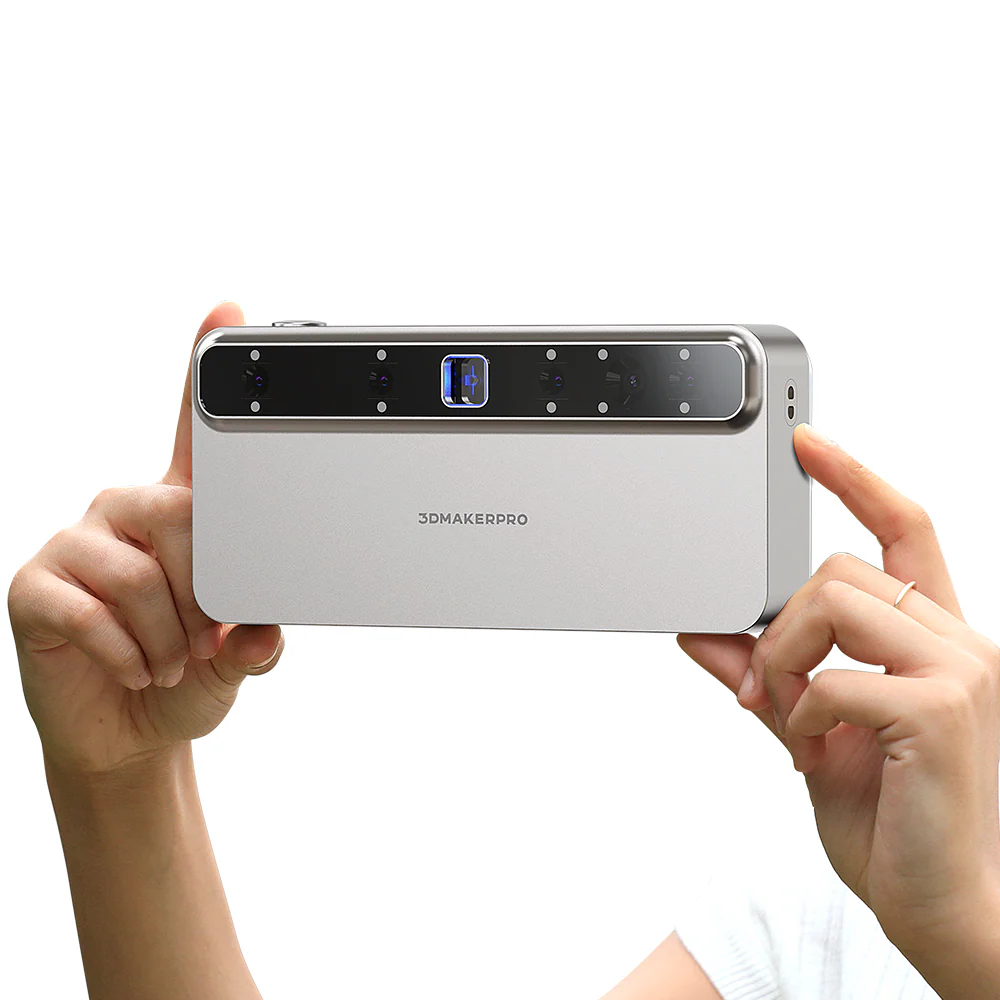
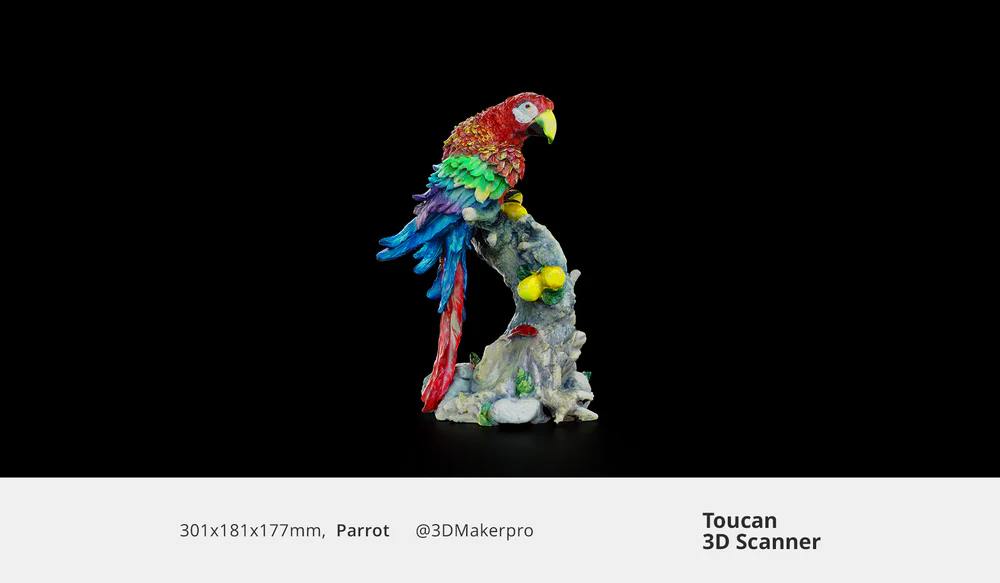
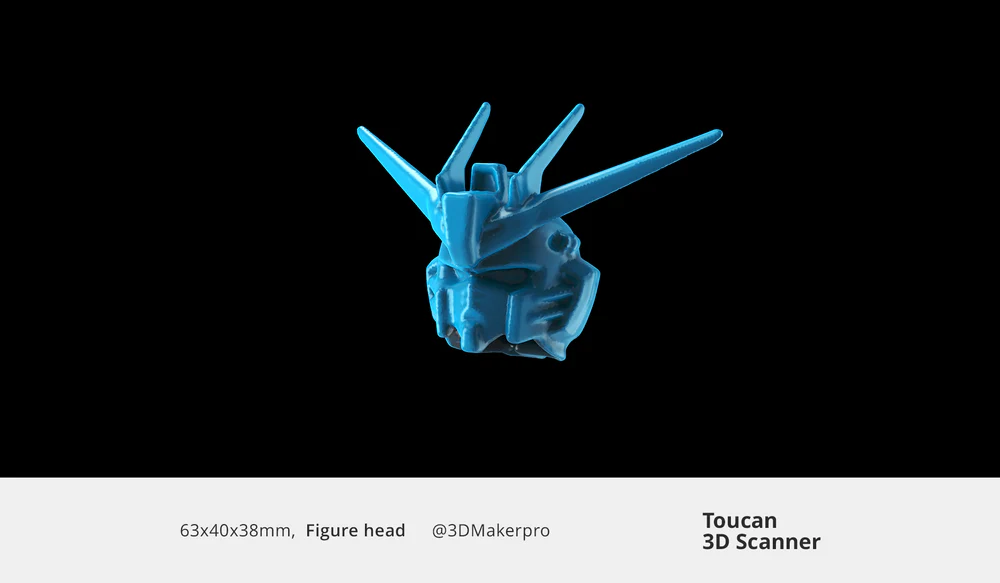
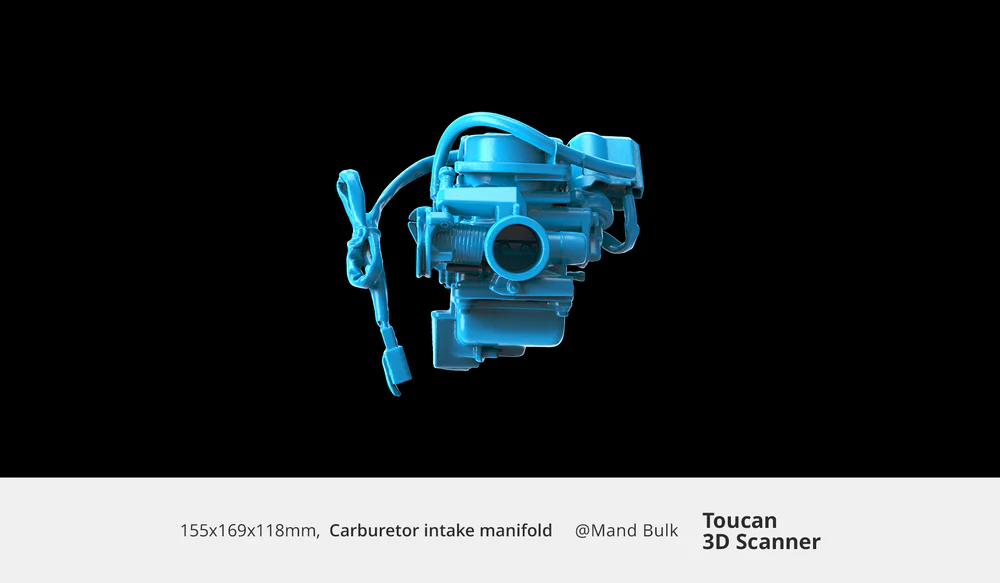
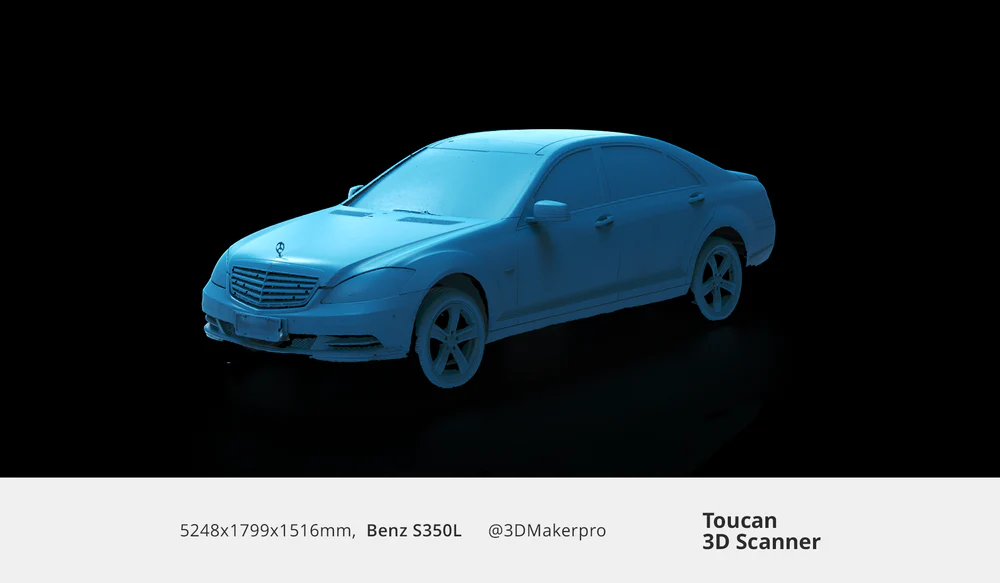
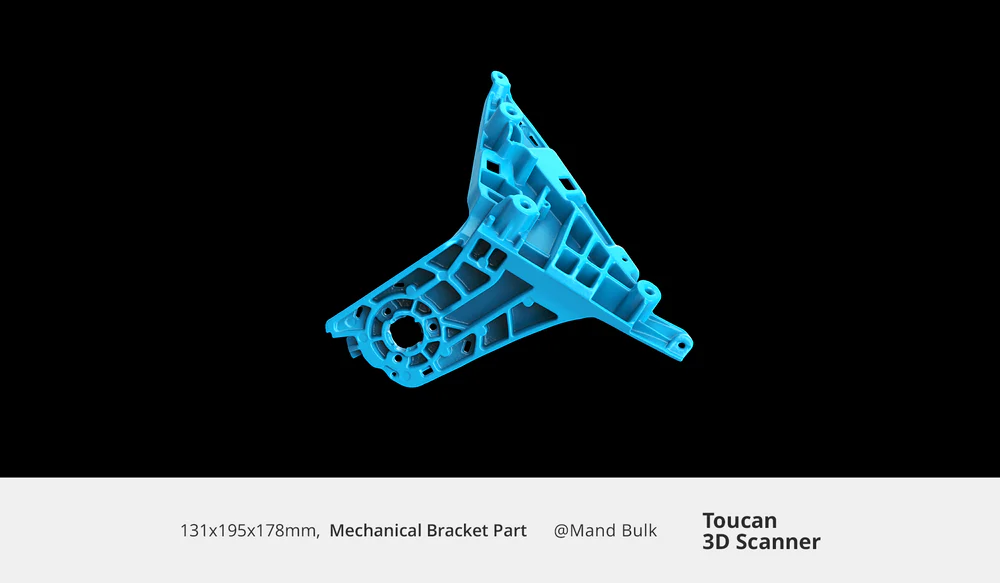
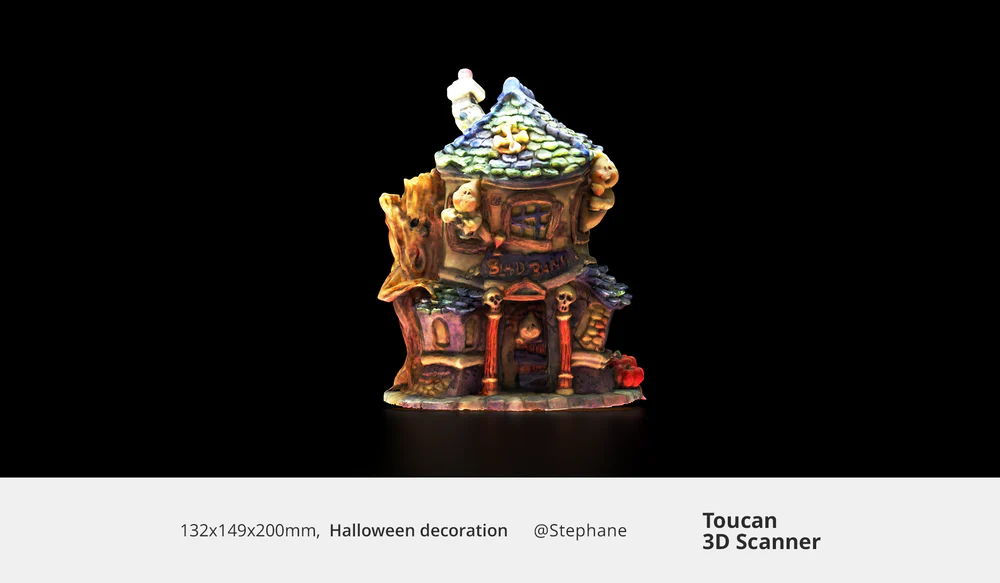
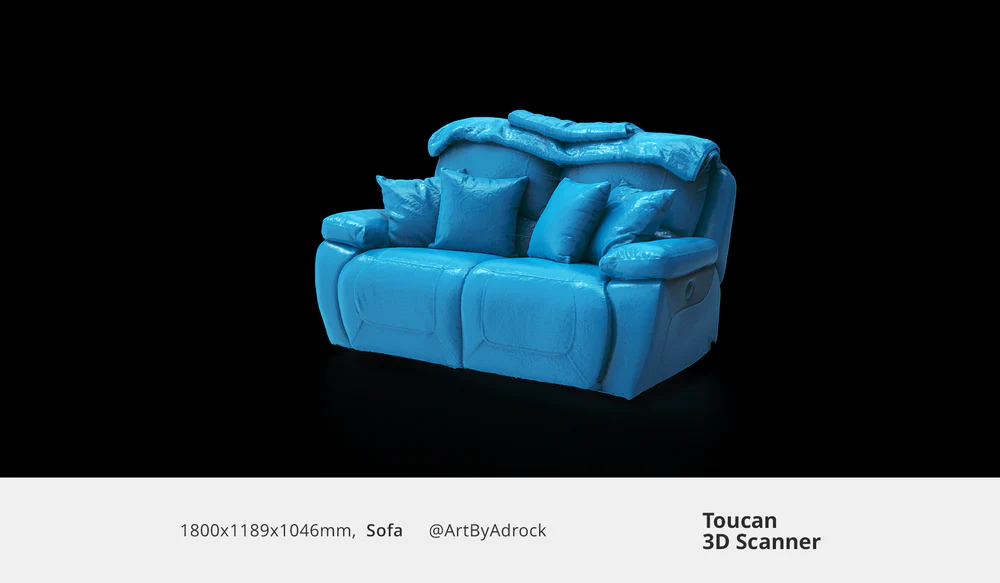
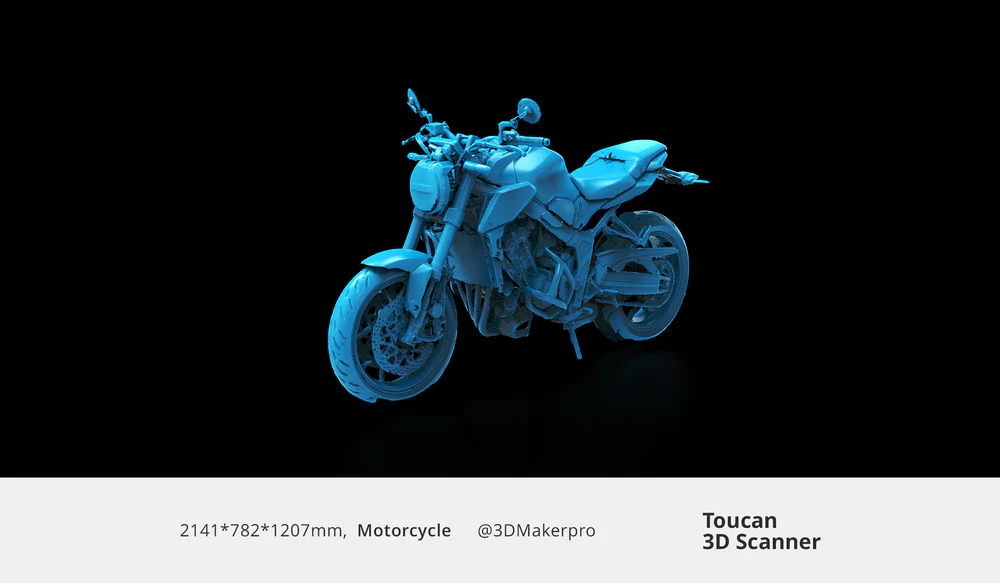
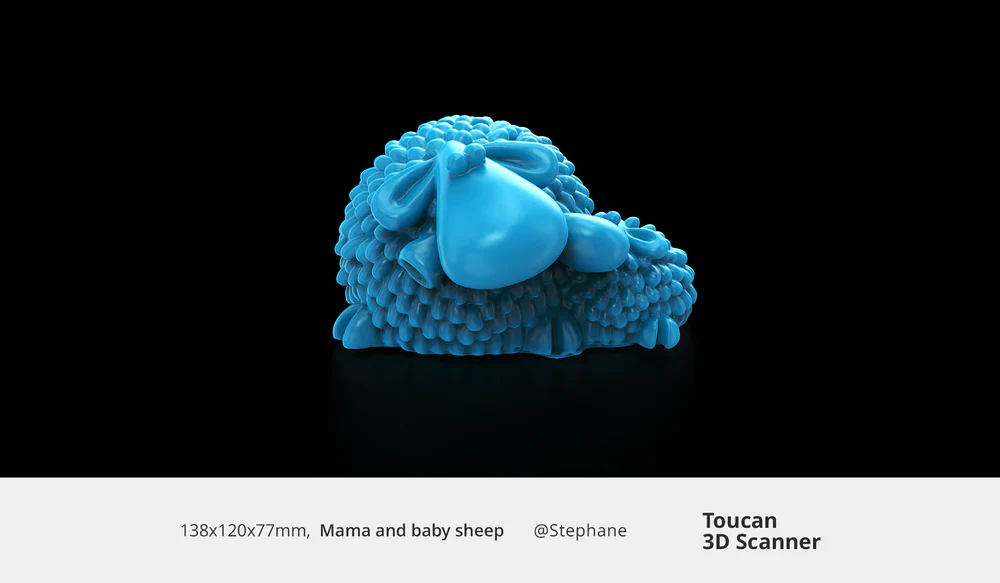
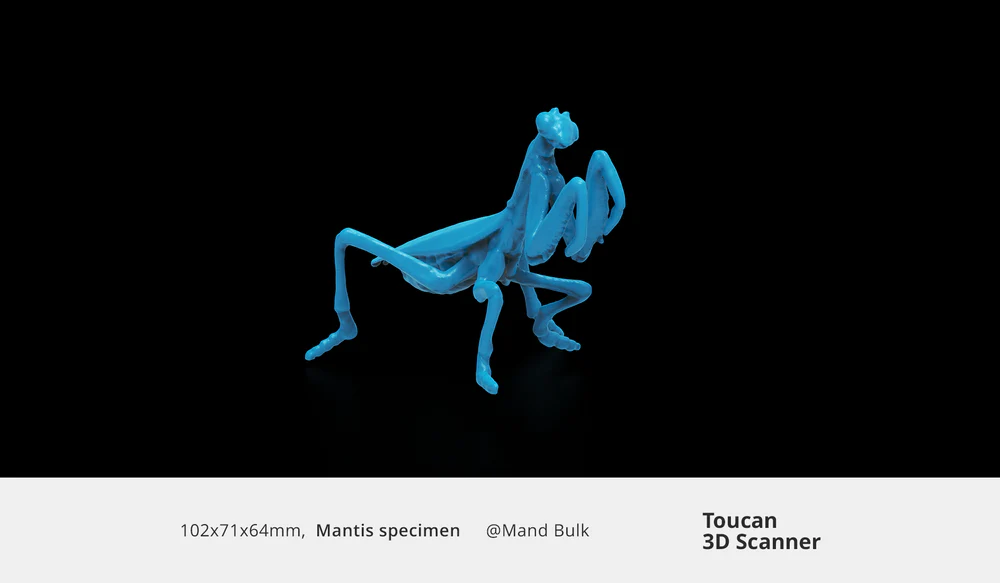
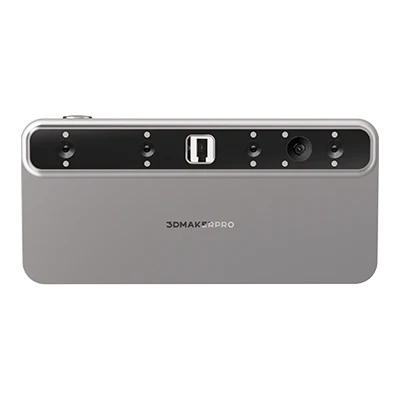
From small desktop objects to life-size sculptures, the Toucan allows you to scan, process, and merge complete 3D models without the need for a computer. The entire workflow is handled directly on the device.
All-in-one workflow
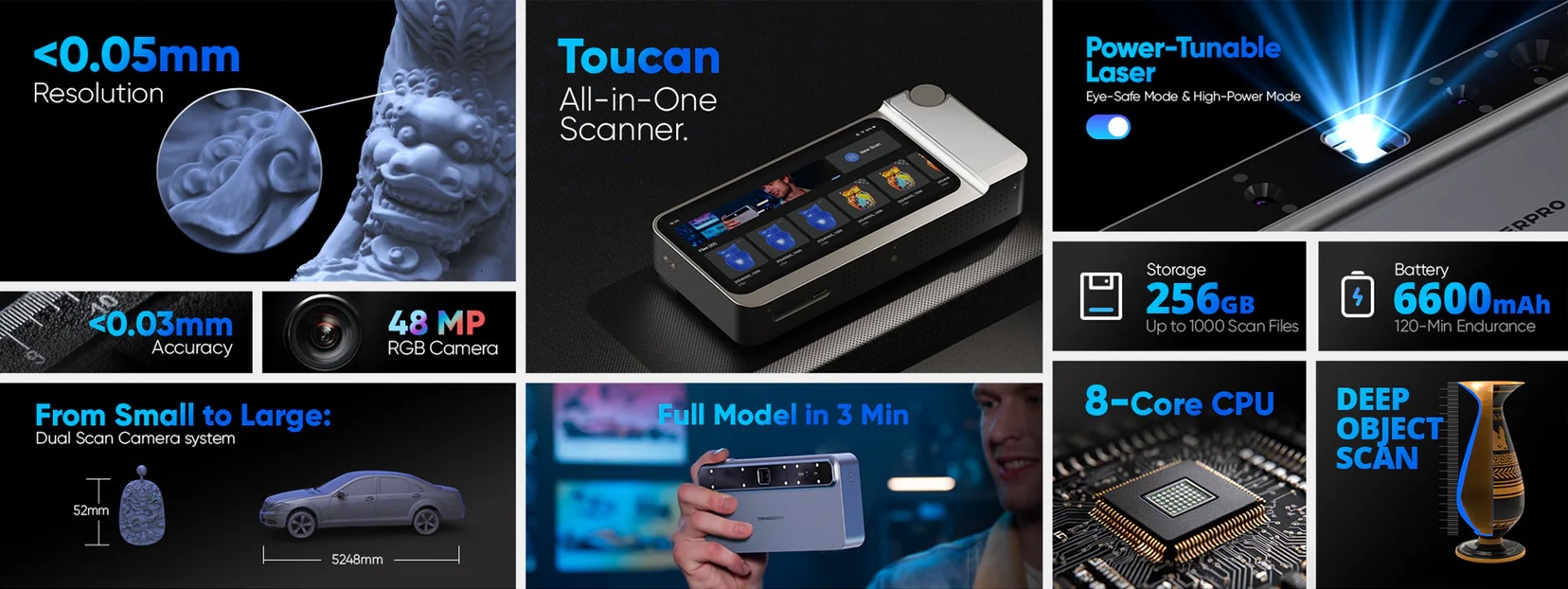
Accuracy up to 0.03 mm
Field of view up to 1000 × 750 mm
High-performance MEMS optics
This is how the Toucan sees
Explore real 3D scans of cars, furniture, and much more. See the Toucan’s precision in action.
Overview
Thinner, larger, brighter
The improved hardware of the Toucan features a powerful MEMS projector with enhanced precision and adaptability. Near and far scanning modes allow it to capture objects of all sizes.
0,03 mm
Accuracy
0,05 mm
Resolution
1000 mm
Working distance
Easily scan cars, body parts, and furniture thanks to its wide coverage.
Get complete, detailed models in seconds, even for large objects.
Capture portraits, figurines, electronic devices, and automotive parts with high precision.
Obtain detailed, high-quality scans of small and medium-sized objects, even in motion.
Scan samples, jewelry, and dental molds with exceptional clarity thanks to phase-shifting structured light technology, which is especially effective for fine and highly detailed objects.
Create precise, flawless models (electric turntable sold separately).
High scanning depth
Deep scanning with no limits
Scan from 200 to 1000 mm and capture even deep cavities, such as the inside of a 33 cm vase.
Smart scan resume mode
Continuous scanning with no gaps or missing data
The Toucan recognizes different object orientations and fills in missing areas during the scanning process, allowing effortless capture of the underside and internal structures.
Comfort-oriented design
The Toucan is as easy to use as a camera or a smartphone, offering an intuitive and simple user experience.
Multi-level damping adjustment wheel
Easily adjust parameters, modes, and zoom using the control wheel.
Quick access buttons
They allow you to quickly start, pause, and end scanning, as well as activate single-shot photo capture mode.
≤ 0.03 mm (fixed capture) / ≤ 0.05 mm (small) / ≤ 0.10 mm (large)
Scanning range (FOV)
135 × 185 mm (small) / 1000 × 750 mm (large)
Working distance
200–1000 mm
Scanning speed
Up to 15 fps
Processor
8-core CPU at 2.4 GHz + Mali-G52 GPU
Memory / Storage
32 GB DDR4 / 256 GB eMMC
Battery
6600 mAh
Connectivity
Wi-Fi 6, Bluetooth 4.1, USB-C
Position sensor
9-axis IMU
Tracking method
Feature tracking / Markers / Global markers
Controls
2 buttons + 1 scroll wheel
Dimensions
200 × 93 × 37.5 mm
Weight
735 g
Frequently Asked Questions
Does the Toucan 3D scanner support color textures?
Yes, the Toucan 3D scanner features a 48 MP color texture camera, allowing it to generate detailed full-color 3D models.
What should I keep in mind when using the 3DMakerpro Toucan for the first time?
The Toucan 3D scanner benefits from the established 3DMakerpro ecosystem. This includes the free JMStudio scanning software, the Geomagic Wrap for 3DMakerpro reverse engineering tool, a wide range of accessories, and a comprehensive after-sales support network.
I am an experienced 3DMakerpro user. How does the Toucan differ from previous scanners?
The Toucan 3D scanner can independently handle tasks such as scanning, point cloud editing, model fusion, and texture mapping. Once the scans are completed, it can export files to a computer via JMStudio for further processing or use.
What is the Toucan’s workflow like?
Thank you for your support of 3DMakerpro.
The Toucan is our first all-in-one scanner that uses phase-shifting structured light technology. This makes it especially effective for scanning thin and delicate objects.
It is worth noting that the Toucan can perform scanning and mesh generation tasks independently, without needing to be connected to a computer. However, JMStudio and Geomagic can still be used for further processing.
What is the single-frame range of the Toucan?
Near range: 135 × 185 mm<br> Far range: 1000 × 750 mm
Yes, all 3DMakerpro 3D scanners, including the Toucan, use the JMStudio scanning software.
Yes, all 3DMakerpro 3D scanners, including the Toucan, use JMStudio software.
What file formats does JMStudio software support for export?
JMStudio supports export in the following formats: OBJ, STL, PLY, and ASC. If you need other formats, you can use third-party conversion software.
Is it possible to directly 3D print the scanned model?
Yes, if you export the file in STL format, you can directly import it into any 3D printing slicer software.
Can I edit the scanned model using other 3D design software?
Yes, the scanned model can be exported in formats such as OBJ and STL, compatible with major 3D design software, including Autodesk CAD, Blender, Cinema 4D, Maya, Rhino, ZBrush, and Fusion 360.
Can scanned models be used in VR?
Yes, scanned models can be directly imported into Unreal Engine or Unity to create virtual reality (VR) applications. They are also compatible with Apple ARKit for augmented reality (AR) application development.
Are markers required for 3D scanning?
You can use markers, but they are not required. They are recommended when the object’s features are not clear or are difficult to identify.
The Toucan supports three tracking modes: feature recognition (no markers), local markers, and global markers.
How is after-sales support provided?
3DMakerpro offers a two-year warranty. If you have any questions during use, feel free to contact us and we will respond as soon as possible.
Is it harmful to the eyes to scan faces with the Toucan 3D scanner?
The Toucan 3D scanner features a face scanning mode that reduces the light level to Class 1, making it safe for the eyes. However, it is not recommended to look directly at the light source.